Phone app
Your agent, in your pocket.
Zaelar for iPhone: talk to your agent like you’d talk to a person. It remembers what you tell it, keeps your agenda and builds small apps for you — with the same memory as on the web.

In review with Apple. It will be on the App Store as soon as Apple approves it. Until then, open my.zaelar.com/m on your phone and add it to your home screen — same agent, nothing to install.
Android: planned. On Android, the web app at my.zaelar.com/m works today.
What the app adds
The website, made for your phone.
Everything works in a phone browser too. The app gives your agent a home on your home screen, full screen, with the voice a tap away.
Talk to it, out loud
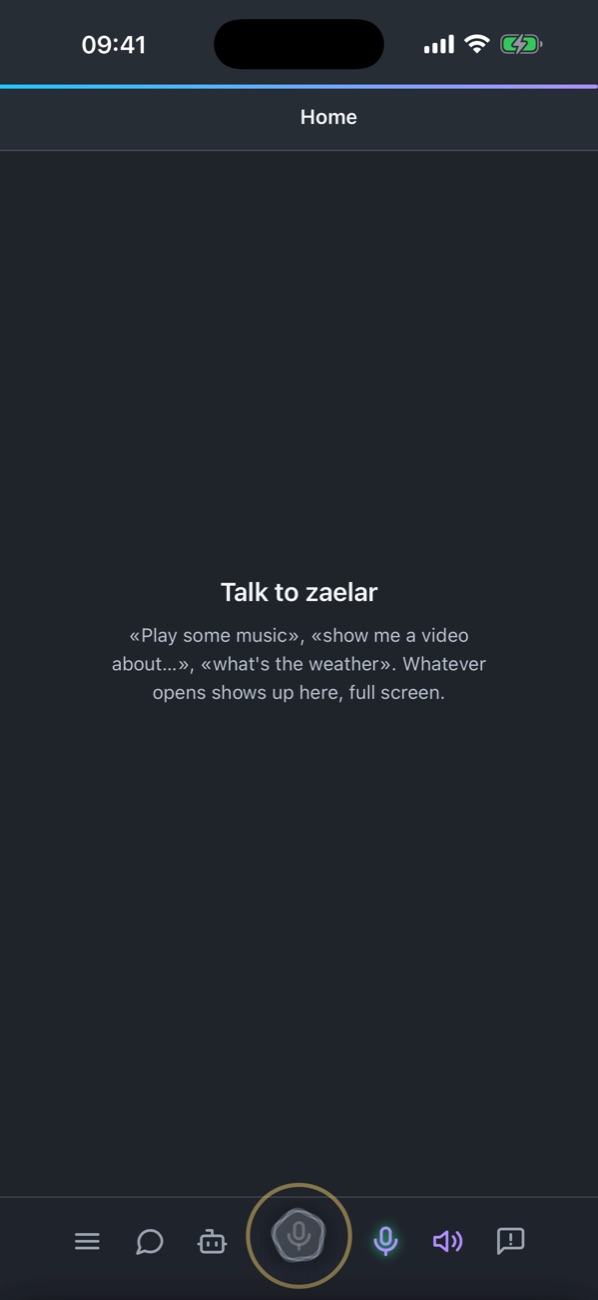
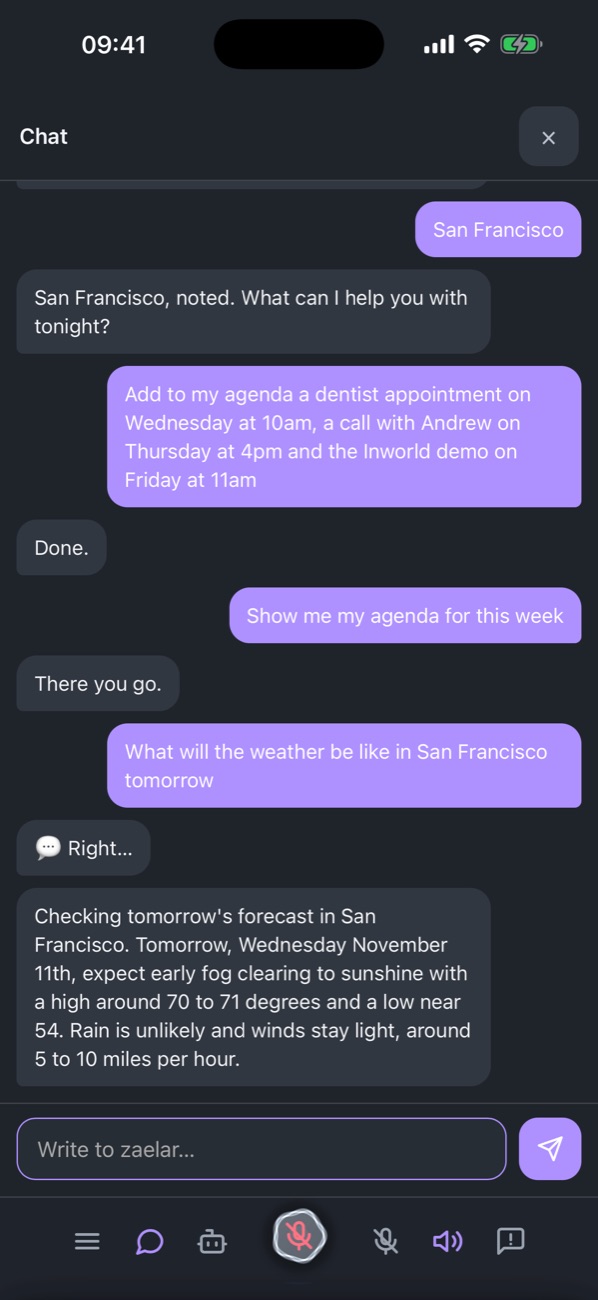
Open the app, tap the orb and speak. It answers out loud, and the same conversation continues in text whenever you’d rather type.
Your day, by voice
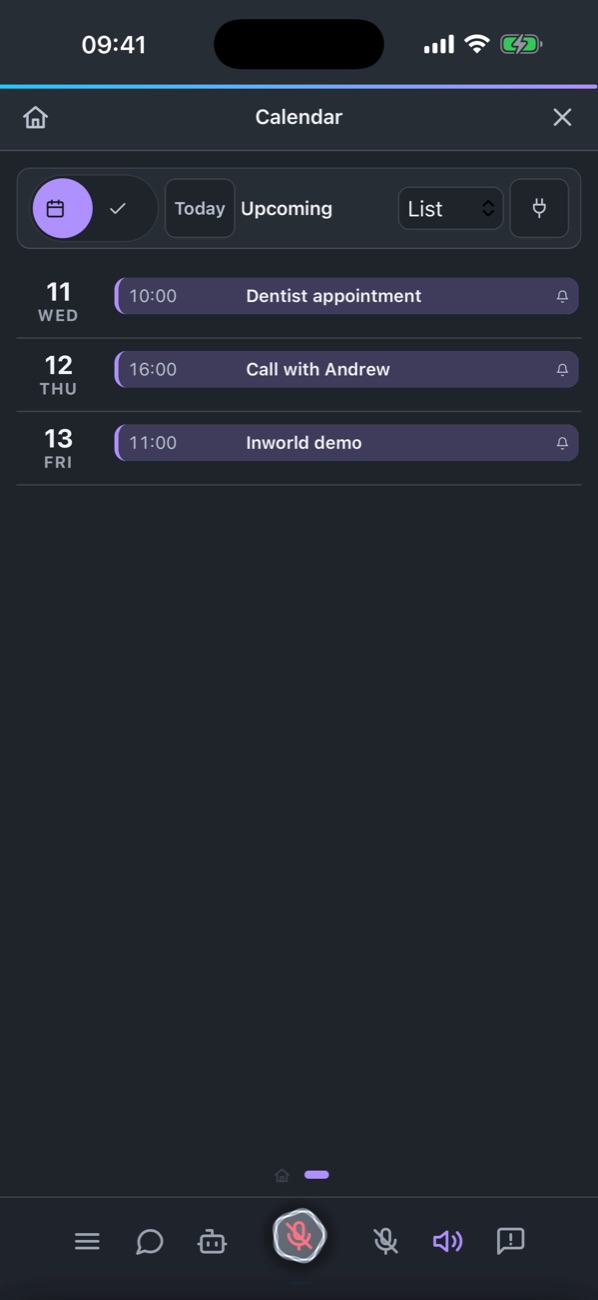
Add appointments by saying them, with a reminder before each one. Timers, the time, the weather, music and videos, on the spot.
Apps made for you
Describe a workout tracker or a shopping list and your agent builds a small app for it, right there.
One agent, every screen
The same agent and the same memory as in your browser at zaelar.com and on your computer.
Notifications that reach you with the app closed are next; today reminders sound while the app is open.
Two things to know
One voice at a time
Your agent listens on one device at a time. Start talking on the phone and the computer hands the voice over and keeps the chat; the screen you left shows where the voice is and offers to bring it back.
Sign-ins open on your computer
When a site needs you to sign in or pass a check, that window opens on a computer, not on the phone. Your agent tells you so and carries on once you’ve done it there — with the desktop app installed.
The Guide explains both, and how to move the voice between devices. For the computer side, see the desktop app.
Requirements
- iPhone with iOS 16 or later. iPad comes later; on an iPad, use zaelar.com in Safari meanwhile.
- A Zaelar account — create one free.
- Free to download. No purchases inside the app.
Privacy, in short
- Your agent and its memory live on a private machine of their own, never mixed with anyone else’s.
- Your voice goes to our speech and AI providers to be transcribed and answered while you talk, as in other voice assistants.
- What the App Store lists as collected — your email, what you say and type, the people and accounts you connect, usage and error events — is used only to run your agent, and is linked to your account.
- No tracking and no advertising. We don’t sell your data or use it for ads.
- Delete your account from your account page whenever you want.
The full detail: Privacy policy · Terms · Security.